How to Fix “Excluded by Noindex Tag” in Google Search Console
Seeing "Excluded by noindex tag" in Google Search Console? Find the page, remove the noindex at its real source, clear robots.txt, and get it…
Read guidePick a lane and dive in. Every tool runs on your device, no account needed.
Everything runs in your browser, so nothing is uploaded to a server or stored.
No sign up, no email, no paywall. Open a tool and use it right away.
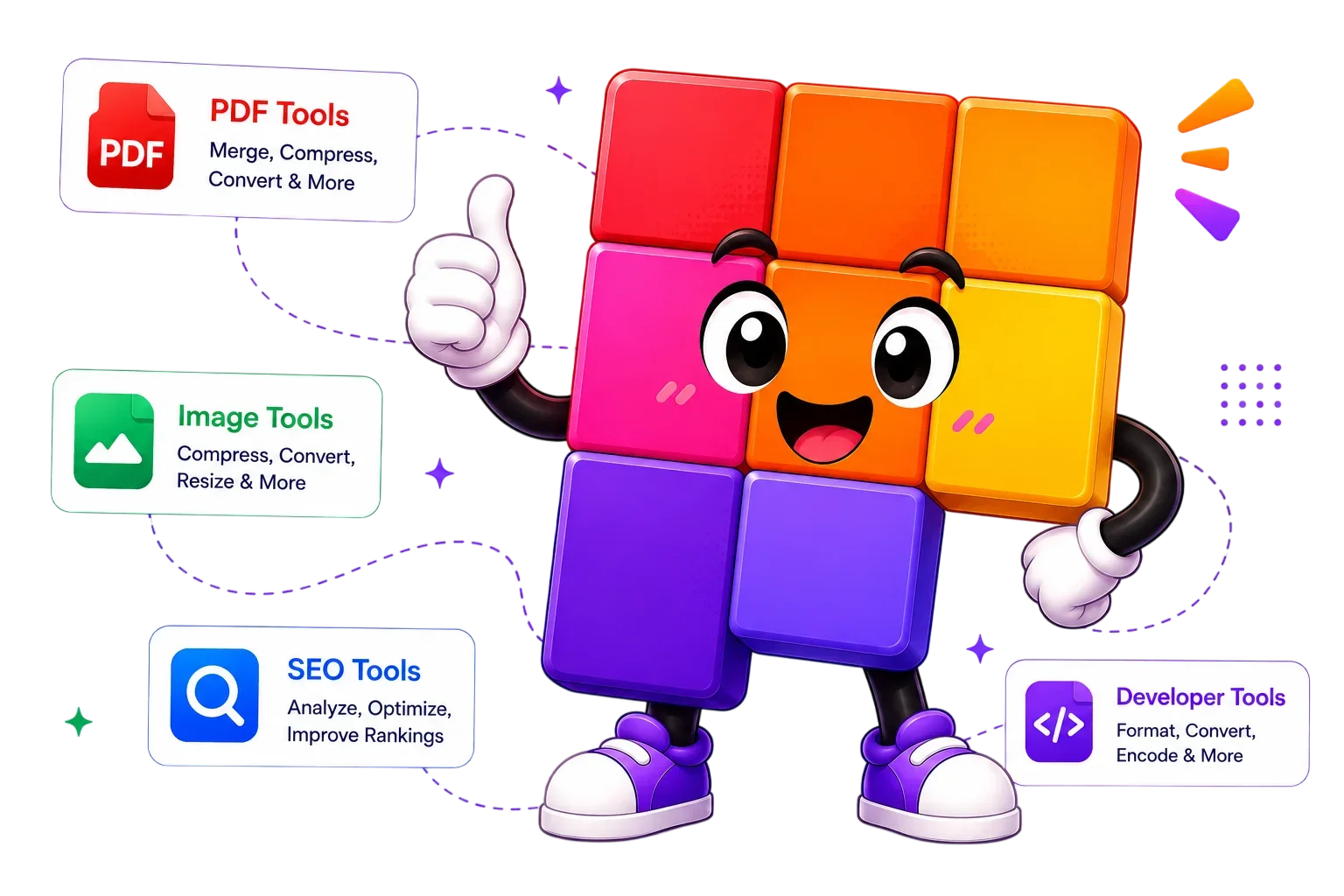
Images, PDFs, SEO, and developer utilities, all under one roof.
Any modern browser on desktop, tablet, or phone. Nothing to install.
Four steps, no learning curve. Every tool follows the same flow.
Search or browse and open any tool. No sign up, no install.
Drop in an image, PDF, or paste your text. It stays on your device.
Tweak options and see the result update live in your browser.
Save the finished file instantly. No watermark, no waiting.

Pixellize is a free collection of 231+ in-browser tools for images, PDFs, SEO, and developer tasks. Everything runs on your device, so nothing is uploaded, and there is no sign up, no watermark, and no ads.
No investor pressure, no growth team. Tools get added when people actually ask for them.
 Made by Simranjit Kaur
The same privacy-first approach, published free on WordPress.org.
Yes. Every tool on Pixellize is free with no account, no email, and no watermark on the result. There are no hidden limits on how many times you use a tool.
No. Pixellize tools run entirely in your browser, so your files are processed on your device and never uploaded or stored. That keeps sensitive photos and documents private.
No. Everything works in a normal web browser on desktop, tablet, or phone. There is nothing to download and no account needed, just open a tool and start.
Pixellize has 231+ tools across images, PDFs, SEO, developer utilities, and file conversion, including compressors, converters, editors, and checkers. Search or browse by category to find one.
Yes. The tools run in any modern mobile browser on Android and iPhone, so you can compress an image or open a PDF straight from your phone with no app to install.
Many tools keep working offline once the page has loaded, since the work happens in your browser. Open the tool while online, then you can keep using it even if your connection drops.
Yes. You can use the tools and anything you create with them for personal or commercial projects at no cost. There is no license fee and no watermark added to your files.
There is no fixed server limit because files never leave your device. Very large files depend on your device memory and browser, but everyday images and PDFs process without trouble.
Search 231 free tools or browse by category. No account, no upload, no fuss.